
Colors That Go With Olive Green: Practical Palettes

Olive green pairs especially well with warm whites, beige, tan, brown, navy, dusty pink, burgundy, plum, rust, orange, and gold. The best choice depends on whether your olive leans yellow, brown, or gray and whether you want the result to feel quiet, crisp, warm, or dramatic. The palettes below give every color a clear role, so you can adapt them to a room, illustration, craft project, or digital design.
What Colors Go With Olive Green?
For an easy, restrained combination, start with olive green and a warm neutral such as ivory, cream, beige, tan, or brown. White creates a cleaner division, while navy supplies a cool, dark counterweight. Pink, maroon, burgundy, plum, and mauve create stronger hue contrast. Sienna, rust, orange, ochre, and gold pull olive in a warmer direction.
Color names alone cannot determine the best pairing. Compare the exact olive with its companions and decide which color should dominate. Lightness matters too: two compatible colors can still look dull together when they are equally dark and muted.
A useful starting structure is one dominant color, one supporting color, and one smaller accent. That structure makes it easier to adjust a palette without replacing every color. If an orange or pink accent overwhelms the design, reduce its area first. You may not need to change the hue at all.
Start With the Right Olive Green
Olive Is Both a CSS Keyword and a Broader Description
This guide uses CSS Olive, #808000, as its controlling digital reference. In CSS, a six-digit HEX code represents an sRGB screen color through red, green, and blue channel values. The standardized keyword does not mean that every paint, textile, or color catalog must use the same value for the descriptive name “olive green.” Current palette references also apply that description to values such as #708238.
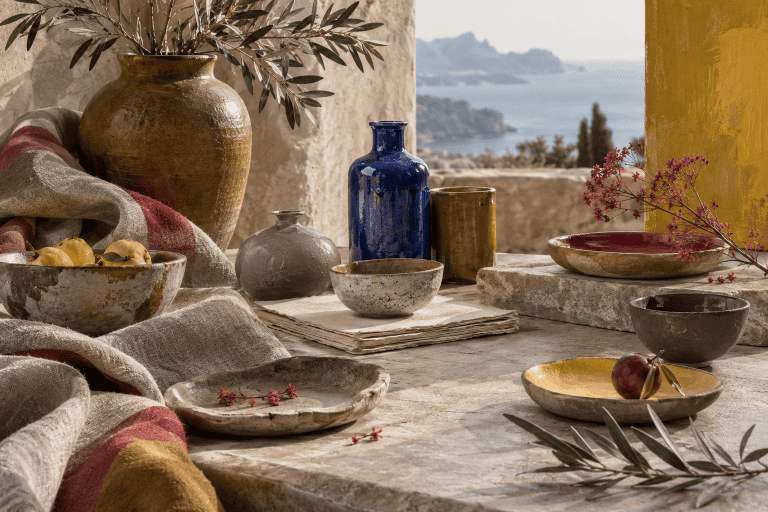
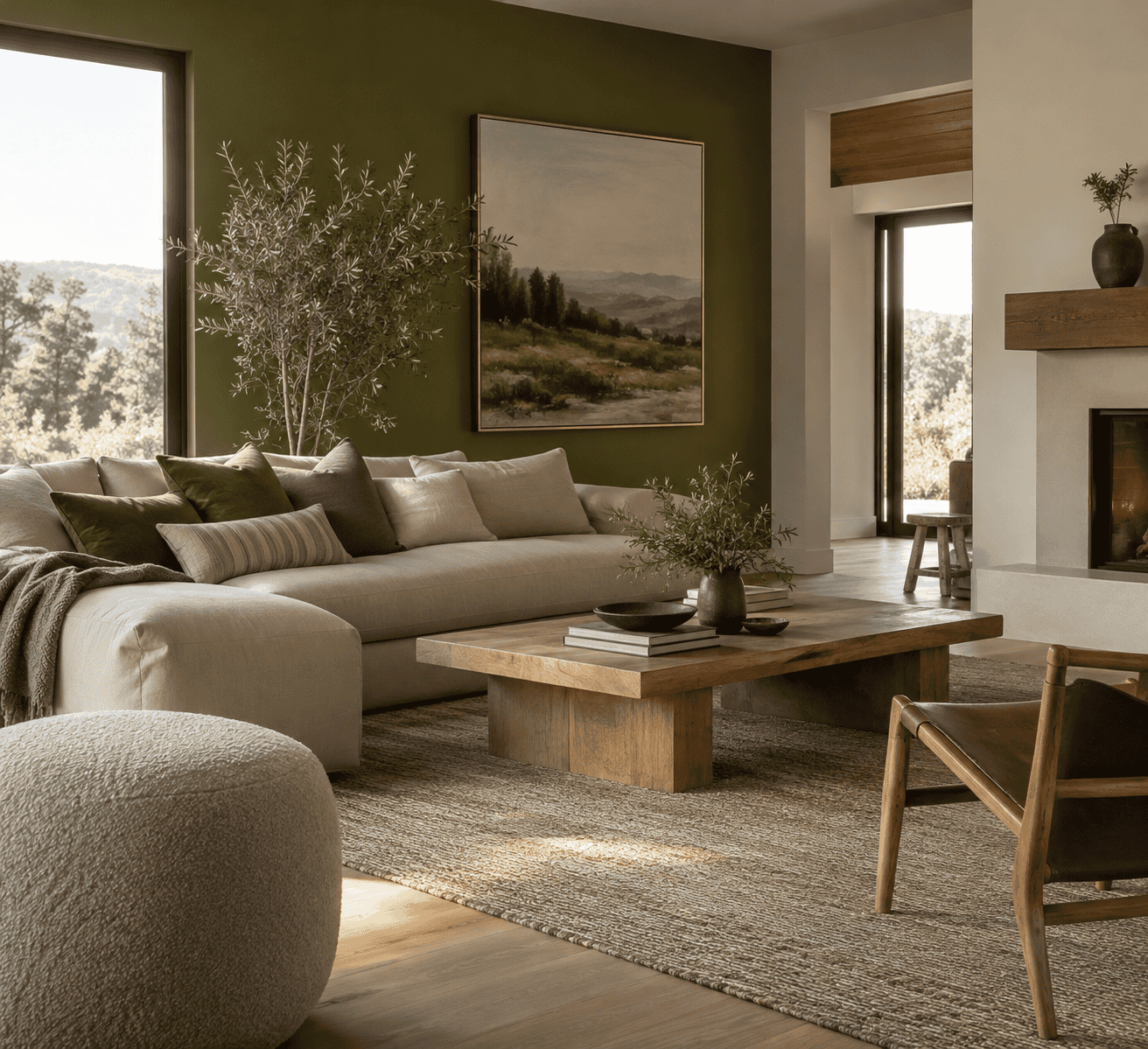 AI-generated editorial illustration; not a measured color sample.
CSS DarkOliveGreen and OliveDrab are separate standardized colors, not alternative spellings of CSS Olive. In code, their keyword tokens are written without spaces, even when a readable label such as “Dark Olive Green” contains spaces.
| Name | HEX | RGB | Color |
|---|---|---|---|
| Olive | #808000 | 128, 128, 0 | |
| Dark Olive Green | #556B2F | 85, 107, 47 | |
| Olive Drab | #6B8E23 | 107, 142, 35 |
Undertone, Lightness, and Saturation Change the Result
Olive green is generally understood as a muted yellow-green family, but individual examples can appear browner, grayer, lighter, darker, or more saturated. Undertone describes the subtle hue direction visible beneath the main color. Value, also called lightness in everyday design discussions, describes how light or dark a color appears. Saturation describes its intensity.
A yellow-leaning olive often feels more integrated with gold, orange, and warm brown. A gray or dark olive can take a clearer visual edge from ivory, white, or a controlled pink accent. These are practical starting points rather than universal rules. Always judge the colors together and at their intended sizes.
Seven Olive Green Palettes With Clear Roles
These combinations are editorial starting points built from standardized CSS colors. They are not official palettes, and the swatches represent sRGB screen values rather than measured materials. Each table lists the colors in dominant, supporting, and accent order.
Warm and Quiet
Let ivory form the broad background, use olive for the main colored areas, and reserve sienna for smaller details. The warm neutral keeps the scheme light without producing the sharper edge of pure white, while the reddish brown gives the muted green a grounded counterpoint.
| Name | HEX | RGB | Color |
|---|---|---|---|
| Dominant: Ivory | #FFFFF0 | 255, 255, 240 | |
| Supporting: Olive | #808000 | 128, 128, 0 | |
| Accent: Sienna | #A0522D | 160, 82, 45 |
Crisp and Natural
White supplies clear value separation, Dark Olive Green provides the main hue, and tan bridges the light and dark areas. This combination suits layouts or objects that need a fresher edge while retaining an earth-toned character.
| Name | HEX | RGB | Color |
|---|---|---|---|
| Dominant: White | #FFFFFF | 255, 255, 255 | |
| Supporting: Dark Olive Green | #556B2F | 85, 107, 47 | |
| Accent: Tan | #D2B48C | 210, 180, 140 |
Cool and Tailored
Use olive as the main field, navy for structured secondary areas, and ivory to provide breathing room. Navy changes the temperature of the combination without competing through high brightness. Ivory prevents the two darker colors from merging into one heavy block.
| Name | HEX | RGB | Color |
|---|---|---|---|
| Dominant: Olive | #808000 | 128, 128, 0 | |
| Supporting: Navy | #000080 | 0, 0, 128 | |
| Accent: Ivory | #FFFFF0 | 255, 255, 240 |
Soft Contrast
Beige and olive create a subdued foundation, while pink introduces a gentle red-family counterpoint. Keep the pink area smaller when you want olive to remain the visual focus, or increase it when a softer and lighter overall balance is more important.
| Name | HEX | RGB | Color |
|---|---|---|---|
| Dominant: Beige | #F5F5DC | 245, 245, 220 | |
| Supporting: Olive | #808000 | 128, 128, 0 | |
| Accent: Pink | #FFC0CB | 255, 192, 203 |
Rich and Dramatic
Olive and maroon form a dark, concentrated base. Gold adds a brighter yellow accent that relates to olive’s warm side. Because the three colors are assertive, use gold in the smallest area and introduce a light neutral outside the palette if the composition needs more open space.
| Name | HEX | RGB | Color |
|---|---|---|---|
| Dominant: Olive | #808000 | 128, 128, 0 | |
| Supporting: Maroon | #800000 | 128, 0, 0 | |
| Accent: Gold | #FFD700 | 255, 215, 0 |
Earthy and Energetic
Olive provides the muted foundation, sienna connects it to a reddish earth color, and Dark Orange supplies the energetic note. This palette works best when the orange is genuinely an accent. Giving all three colors equal area can make them compete.
| Name | HEX | RGB | Color |
|---|---|---|---|
| Dominant: Olive | #808000 | 128, 128, 0 | |
| Supporting: Sienna | #A0522D | 160, 82, 45 | |
| Accent: Dark Orange | #FF8C00 | 255, 140, 0 |
Muted Violet Counterpoint
Dark Olive Green acts as the anchor, plum moves toward the red-violet side of a traditional artist wheel, and lavender lightens the combination. This is a useful route when pink feels too sweet and bright purple feels too forceful.
| Name | HEX | RGB | Color |
|---|---|---|---|
| Dominant: Dark Olive Green | #556B2F | 85, 107, 47 | |
| Supporting: Plum | #DDA0DD | 221, 160, 221 | |
| Accent: Lavender | #E6E6FA | 230, 230, 250 |
What Is Olive Green’s Complementary Color?
The Traditional Artist-Wheel Answer
Complementary colors occupy opposing positions on a stated color wheel. On a traditional artist wheel, a yellow-green olive points approximately toward red-violet. That makes plum, mauve, burgundy, and related muted red-violets practical near-complementary directions. Red and dusty pink can serve a similar purpose when adjusted to suit the particular olive.
The answer is approximate because olive green is a family rather than one universal hue position. A browner olive and a greener olive do not point toward precisely the same opponent. For a broader explanation of opposing and neighboring hue relationships, see this color wheel tutorial.
Why a Digital Complement Depends on the Selected Olive
Traditional pigment theory and additive screen color are different systems. Painters traditionally discuss subtractive mixing, in which pigments absorb parts of the incoming light. Screens create color additively with red, green, and blue light. A complement generated mathematically for one sRGB value therefore should not be presented as the universal complement of every color called olive green.
State the model and the starting value whenever precision matters. For this guide, #808000 is the selected digital reference. It is not a claim that #808000 defines every olive paint, textile, or printed sample.
When a Near-Complement Is Easier to Use
Exact opposition can create a strong edge because neighboring complementary colors can intensify one another. A muted near-complement usually gives you more control. Try burgundy instead of bright red, plum instead of an intense violet, or dusty pink instead of a highly saturated magenta. You retain useful hue separation while reducing competition.
Choose a Pairing by the Effect You Want
For a Calm, Low-Contrast Palette
Combine olive with cream, beige, tan, or brown, and keep the colors relatively close in intensity. This approach suits layered crafts, illustrations, and interiors where texture or material should carry more of the visual interest. If the result becomes lifeless, add a small light or dark element rather than introducing several new hues. The guide to working with muted colors offers more context for controlling subdued palettes.
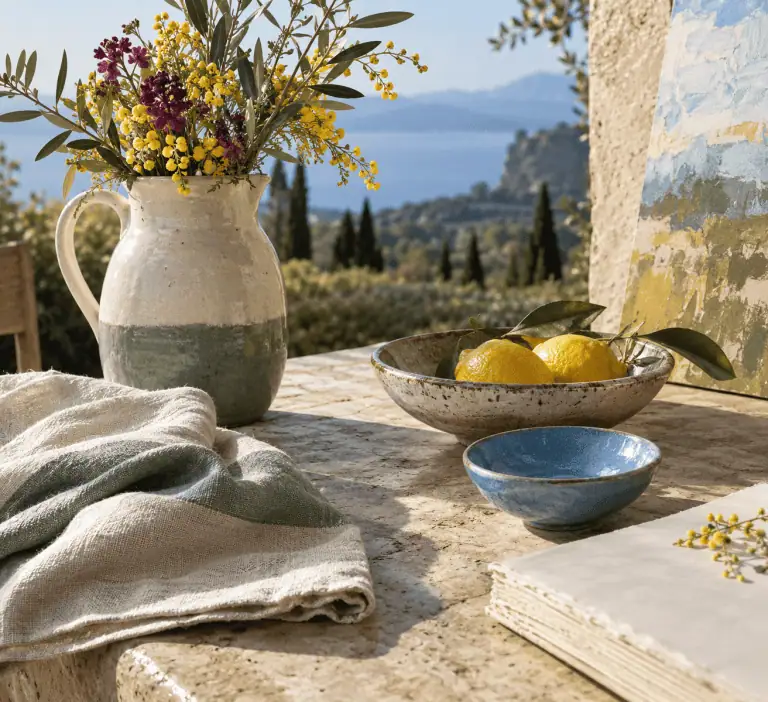
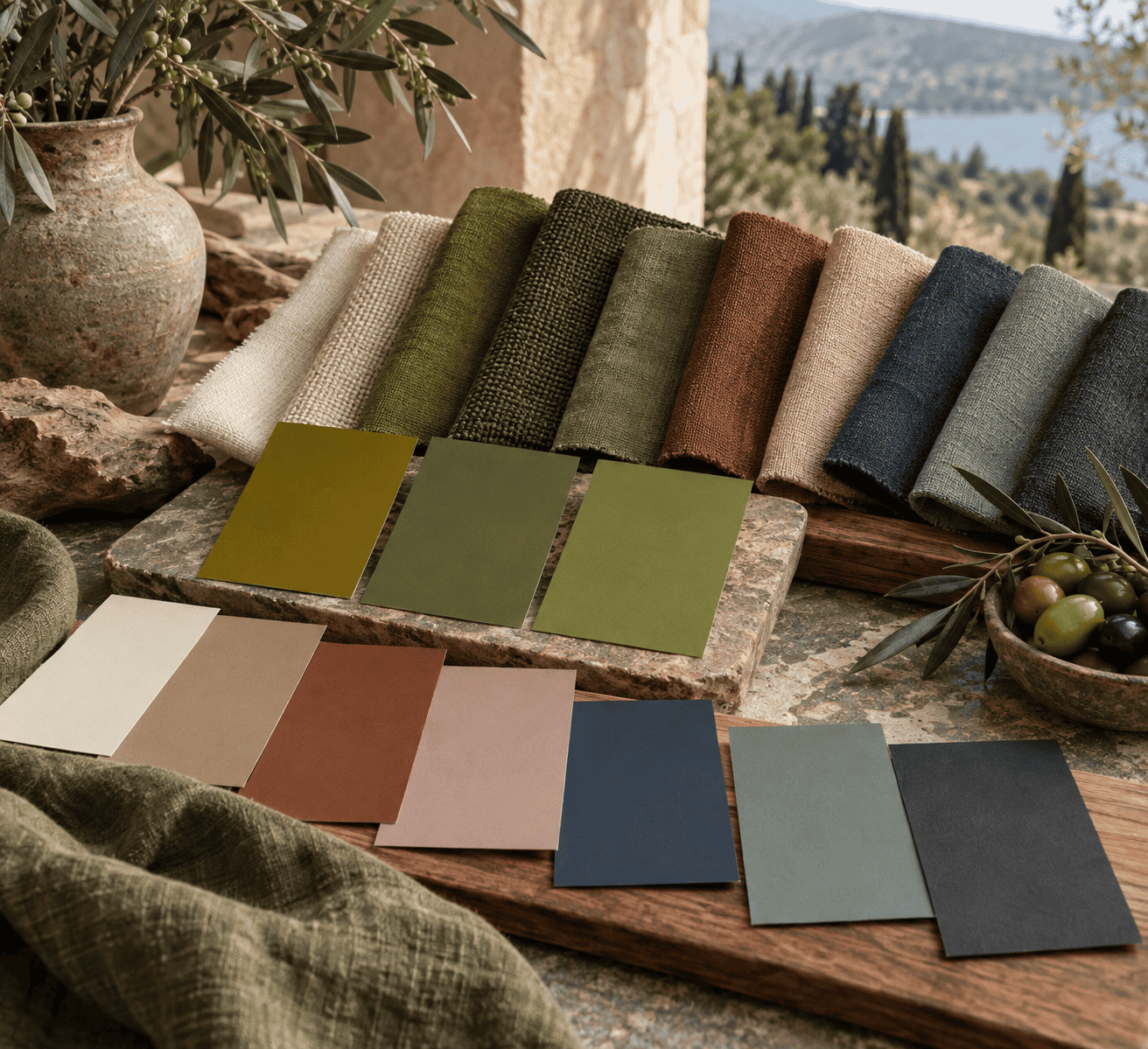 AI-generated editorial illustration; not a measured color sample.
For a Clean or Modern Palette
Use white or a very dark neutral to increase value separation around olive. Navy can also provide structure while adding a cooler temperature. Limit the number of supporting colors, repeat the same olive consistently, and leave enough light space for the shapes to read clearly.
For Warm Energy
Choose sienna, rust, orange, ochre, or gold. These colors reinforce olive’s yellow or brown direction, so area becomes especially important. Let olive or a neutral occupy most of the composition and use the warmer color for focal details, borders, hardware, lettering, or small decorative forms.
For a Richer Complementary Effect
Move toward burgundy, plum, mauve, or dusty pink. Dark red-violets make the combination deeper, while pale pinks create a softer interruption. A convenient first layout is roughly 60 percent dominant color, 30 percent support, and 10 percent accent, but treat those proportions as an adjustable sketch rather than a rule.
Check Contrast Before Using the Palette Digitally
Harmony Is Not the Same as Readable Contrast
Two colors can coordinate aesthetically and still fail as a text-and-background pair. Test the exact foreground and background HEX values instead of relying on names such as olive, cream, or burgundy. Under WCAG 2.2, normal text needs a contrast ratio of at least 4.5:1. Large text needs at least 3:1, with large-scale text defined here as at least 18pt regular or 14pt bold.
Do not assume that an ivory accent is suitable for every olive background or that dark text works on every muted green. Changes in the olive value, text weight, or background can alter the result. Use a contrast checker with the final codes and test each state, including hover, focus, selected, and disabled appearances when they communicate required information.
Check Text, Controls, and Graphical Information Separately
Text contrast is only one part of accessible color use. Visual information required to identify interface components and graphical objects generally needs at least 3:1 contrast against adjacent colors, subject to the standard’s exceptions. Color must not be the only way to communicate an action, status, prompt, or distinction.
Pair color with another cue. Add a label to a status, an icon to an alert, an underline to a link, or a pattern to a chart series. These cues remain useful when two palette colors are difficult to distinguish.
Test Real Materials Instead of Matching by Name
Screen Color Is Not a Paint Formula
The HEX, RGB, and swatches in this guide are sRGB screen references. They are not measured samples of paint, pigment, ink, fabric, wood, glaze, or dye. A HEX code cannot tell you which physical pigments to mix or in what proportions. For actual paint-mixing principles, use a medium-specific resource such as the guide to mixing green paint, then make a test batch with the products you intend to use.
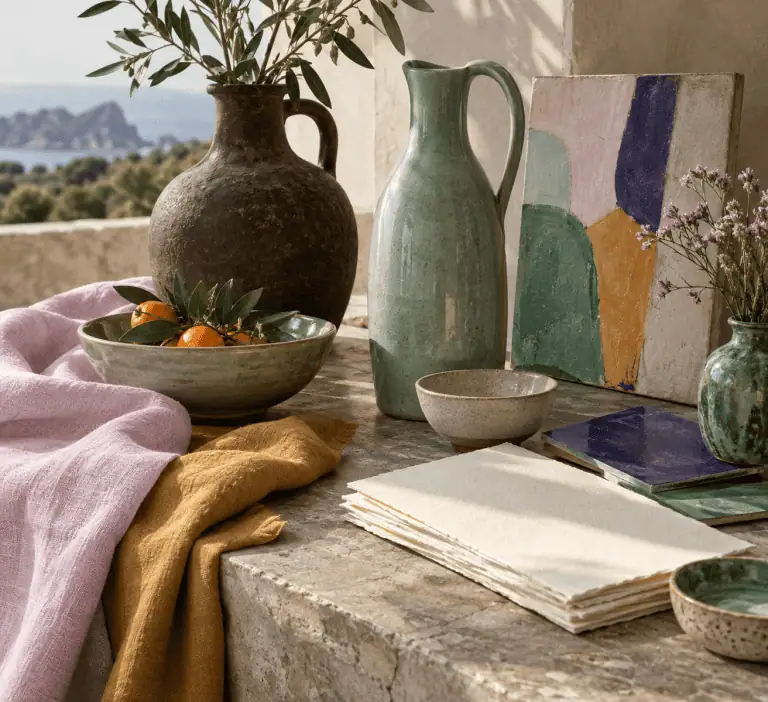
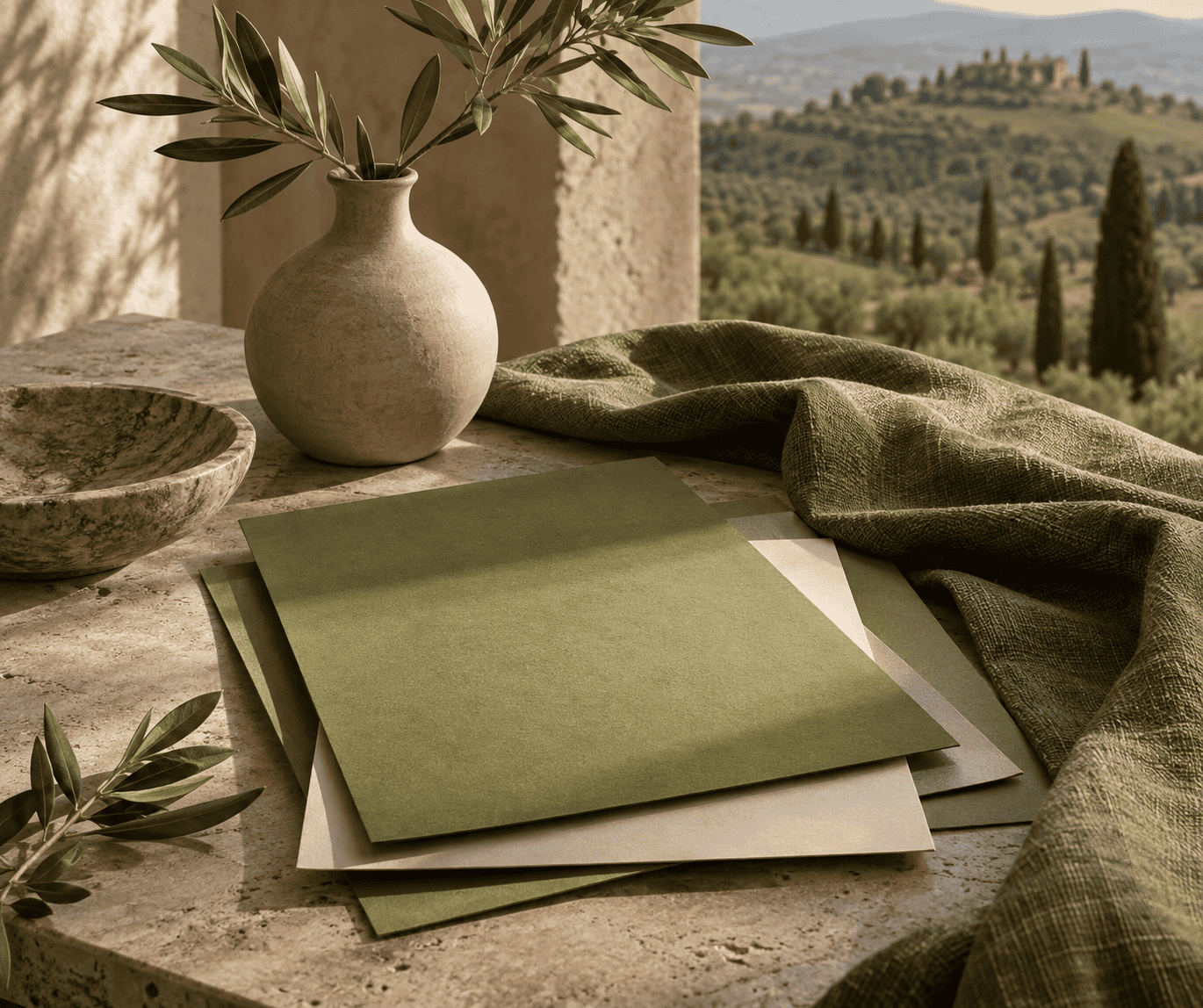 AI-generated editorial illustration; not a measured color sample.
Follow the manufacturer’s directions for paint, coatings, dyes, inks, tools, ventilation, drying, and curing. Record the products and proportions from a successful physical test instead of treating a screen value as a repeatable material recipe.
Light, Finish, and Surrounding Materials Change Perception
Compare real samples under the lighting in which the finished work will be seen. Place them beside fixed materials such as flooring, wood, tile, paper, or upholstery. A matte surface, glossy coating, textured fabric, and illuminated screen can make nominally similar colors look noticeably different.
Judge the sample at a realistic size as well. A small bright accent can feel controlled, while the same color across a broad wall or background can dominate. Review the combination at different times of day before committing to a large or difficult-to-reverse application.
Troubleshooting an Olive Green Palette
The Palette Looks Muddy
First compare the colors in grayscale or squint at the composition. If their light and dark values are too similar, increase the separation by adding ivory, white, a deeper neutral, or more open space. Do not keep adding new hues to solve a value problem.
The Accent Takes Over
Reduce the accent’s area before replacing it. Use it on one focal object, a narrow line, or a repeated small detail. If it still dominates, choose a less saturated version or increase the surrounding neutral area.
The Olive Looks Unexpectedly Yellow or Gray
Test a cooler support such as navy or blue-gray when olive appears too yellow. If it seems too gray or flat, introduce a controlled warm accent such as sienna, orange, or gold. Change one variable at a time so you can see whether hue, value, saturation, or area caused the problem.
The Physical Result Does Not Match the Screen
Return to the actual materials instead of changing a verified digital value at random. Compare samples under the intended light, check the surface finish, and place them beside the permanent colors in the setting. The most dependable olive green palette is not the one with the most color names. It is the one whose roles remain clear in the medium, scale, and lighting where it will actually be used.

Learn more about Israel Benloulou and about us.